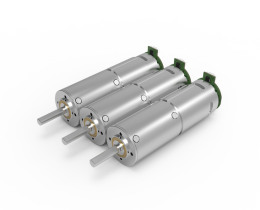


Looking for a suitable motor?



小编
Published2025-10-15
Imagine a world where turning a tiny knob can precisely control the movement of a robotic arm, a camera gimbal, or even a remote-controlled vehicle. This isn’t just a sci-fi fantasy—it's a straightforward reality made possible by understanding how to control a servo motor with a potentiometer. Whether you're a hobbyist, a student, or an aspiring engineer, mastering this technique opens up a universe of possibilities in automation, robotics, and interactive projects.
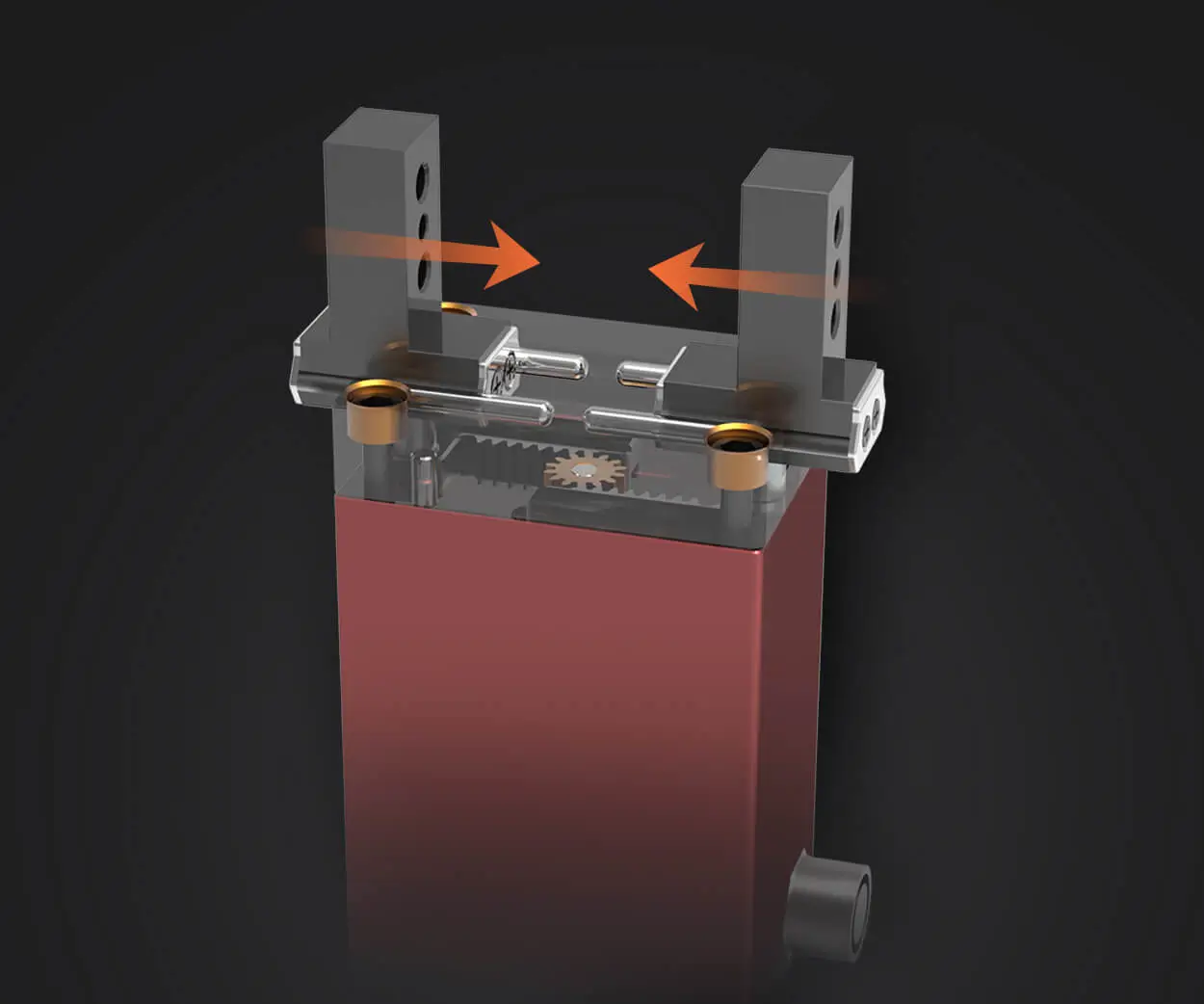
Before diving into control mechanisms, it’s helpful to understand what a servo motor is. Unlike a typical motor that spins continuously, a servo motor is designed for angular positioning. It can rotate to a specific position within its range—often 0 to 180 degrees—based on input signals. This precision makes servo motors invaluable in robotics, CNC machinery, model aircraft, and many other applications where controlled movement is essential.
The common control method for these motors involves Pulse Width Modulation (PWM). The pulse width—how long the signal stays high—determines the angle the servo motor turns to. Typical servo motors interpret a pulse width between about 1 ms (corresponding to 0 degrees) and 2 ms (corresponding to 180 degrees), with a refresh rate of roughly 50Hz (20 ms period).
The Role of the Potentiometer
Enter the potentiometer: a simple, yet powerful, analog device that acts as a variable resistor. By turning its knob, you change the resistance which, in turn, alters the voltage output across its terminals. This makes it an excellent input device for reading changes in position or other analog signals.
When integrated into a circuit, a potentiometer becomes a "manual slider"—a convenient way to generate variable voltage signals that can be read by a microcontroller or analog-to-digital converter (ADC). This ability to convert mechanical movement (the turn of a knob) into a measurable electrical signal makes potentiometers perfect for controlling servos.
Why Control a Servo with a Potentiometer?
Using a potentiometer to control a servo offers several advantages:
Intuitive control: Turns of the knob translate directly into desired positions. Interactive projects: Great for creating intuitive interfaces without complex programming. Educational simplicity: An excellent beginner project to understand analog inputs and PWM signals. Customization: Easy to adapt for various applications by simply changing the potentiometer’s position.
From adjusting a robotic arm in real-time to tuning the camera angle in a DIY surveillance system, controlling a servo with a potentiometer opens up a fascinating array of project possibilities. You could build a portable DJ scratching disc, where turning the knob controls the position of a mounted laser, or craft a model solar tracker that responds to user input.
Now, you may ask—how do you go from concept to implementation? The answer lies in understanding the basic circuitry, microcontroller programming, and careful calibration. This guide will shepherd you through those stages, focusing especially on practical, accessible methods suitable for beginners and enthusiasts alike.
Preparing Your Components
To embark on this journey, gather the following:
An Arduino Uno (or any compatible microcontroller) A standard 10kΩ potentiometer A servo motor (commonly SG90 or similar) Connecting wires Breadboard (optional but recommended for prototyping) Power supply (usually 5V USB power from the Arduino)
Connect the potentiometer: The outer pins connect to 5V and ground. The middle pin (wiper) connects to an analog input pin on the Arduino (say, A0). Connect the servo motor: Power (usually red wire) to 5V Ground (black/brown wire) to GND Signal (yellow/orange wire) to a PWM-capable digital pin (say, pin 9)
This simple setup prepares your device to read the potentiometer’s position and translate it into servo movements.
Reading the analog value from the potentiometer Mapping this value to a suitable servo angle Sending a PWM signal to the servo motor
Here's a conceptual outline:
#include Servo myServo; int potPin = A0; // analog pin connected to potentiometer int val; // variable to store the potentiometer value void setup() { myServo.attach(9); // PWM pin connected to servo signal wire } void loop() { val = analogRead(potPin); // read potentiometer int angle = map(val, 0, 1023, 0, 180); // map to servo angle myServo.write(angle); // set servo position delay(15); // wait for servo to move }
The map() function converts the 0-1023 analog reading to a 0-180 degree range suitable for servo control.
While the code provides a solid foundation, fine-tuning it can enhance responsiveness and accuracy:
Adjust the delay() for smoother movements. Implement dead zones around the center position. Consider limiting the range to prevent the servo from hitting mechanical stops.
With your circuit assembled and code uploaded, turning the potentiometer should result in a proportional movement of the servo motor—an elegant dance of mechanical precision driven by simple electronics.
Stay tuned as we dive into the second part of this guide, where we'll explore advanced techniques, troubleshooting tips, and creative projects that push the boundaries of servo control with potentiometers.
Leveraging innovations in modular drive technology, Kpower integrates high-performance motors, precision reducers, and multi-protocol control systems to provide efficient and customized smart drive system solutions.
Update:2025-10-15
Contact Kpower's product specialist to recommend suitable motor or gearbox for your product.